|
<< Click to Display Table of Contents >> Signing Notes |
  
|
|
<< Click to Display Table of Contents >> Signing Notes |
|
To Sign a Draft Note from the Task Screen:
| 1. | Double-click the Unsigned Draft Note that needs to be signed. |
| 2. | The Edit Draft panel displays which will allow the user to make any needed edits or refresh any filters. |
| 3. | Select the Note Type if needed and then select Sign, a green success message will display in the upper right hand corner that the selected action was successful. |
| 4. | Select the Back Arrow to return to the Task Screen. Once the note has been signed it will automatically be removed from the Notes Task List. |
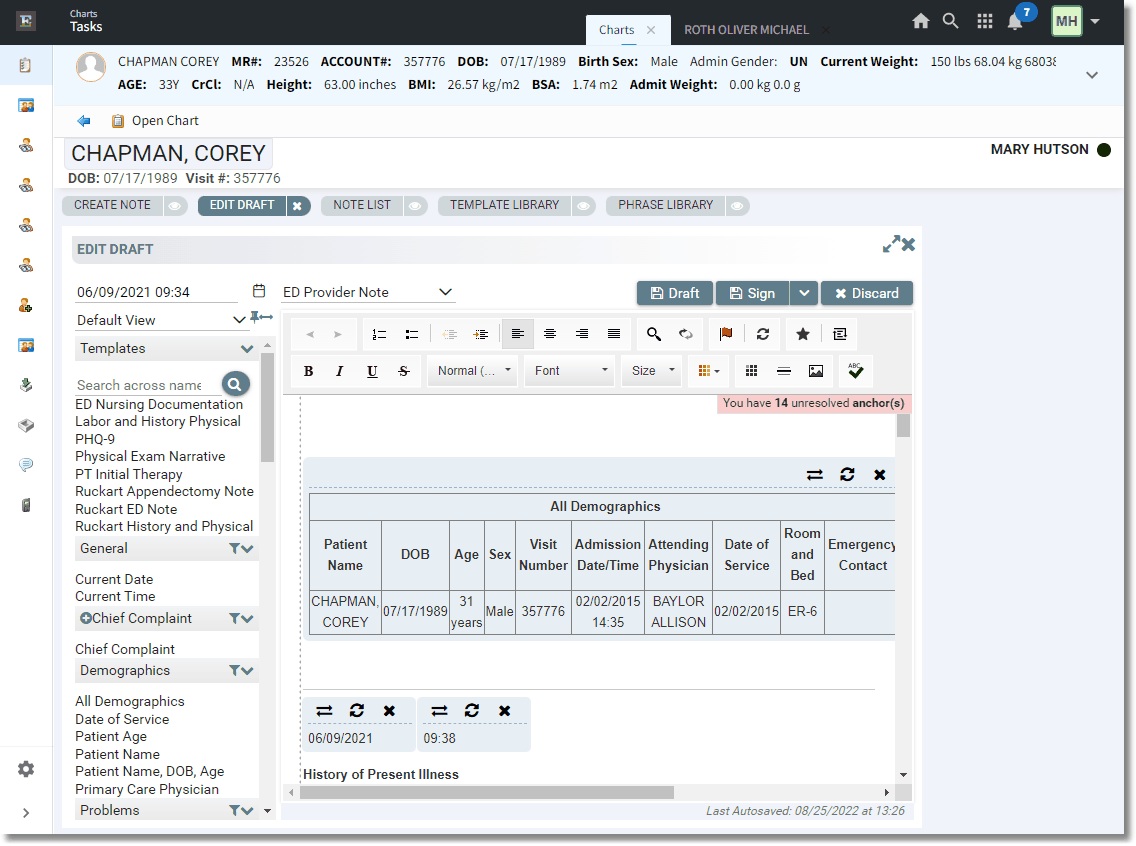
Signing a Draft Note from the Homescreen