|
<< Click to Display Table of Contents >> Physician Entered Orders Report (PEOR) |
  
|
|
<< Click to Display Table of Contents >> Physician Entered Orders Report (PEOR) |
|
The Physician Entered Orders Report (PEOR) will display Future Orders after they have been released on the patient visit and become active. The Report may be located through the following pathways. The PEOR will display at the bottom of the Patient Progress Notes report.
Select Web Client > Charts > Select Patient > Verify Orders > Physician Entered Orders Report
or
Select Web Client > Charts > Select Patient > Reports and Attachments > Nursing Notes > Patient Progress Notes (PEOR)
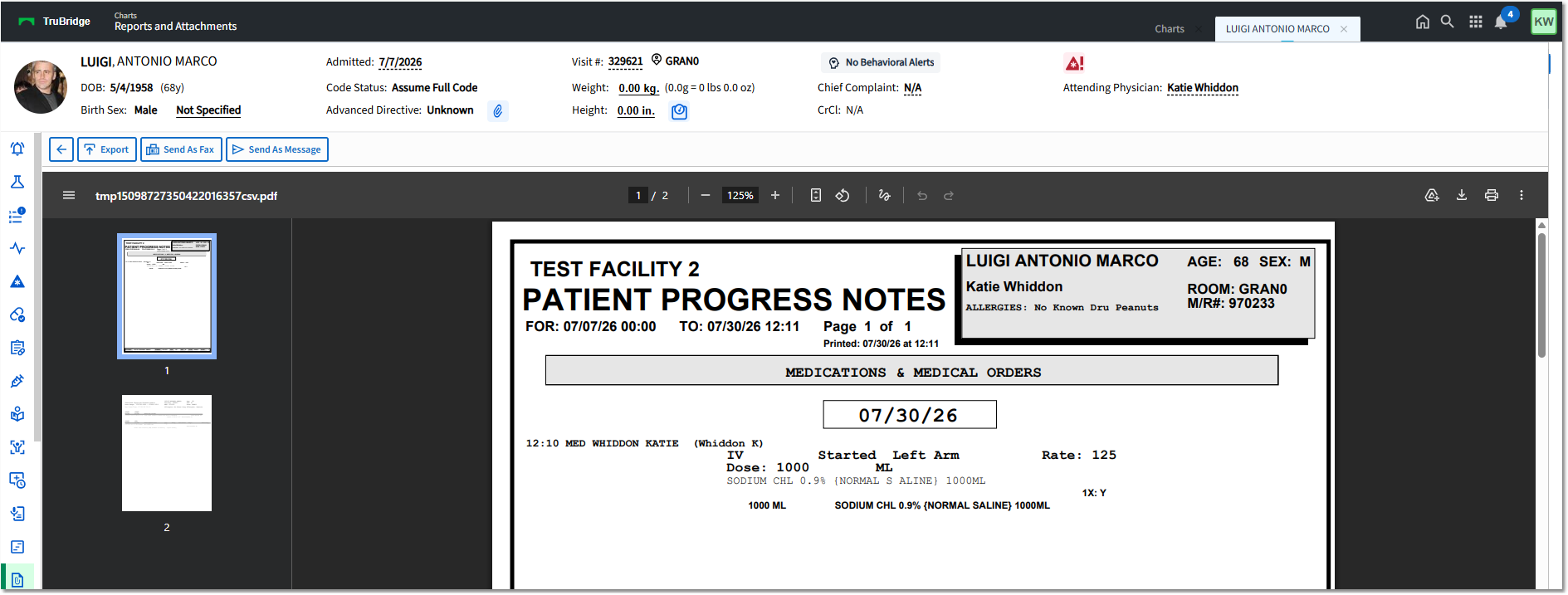
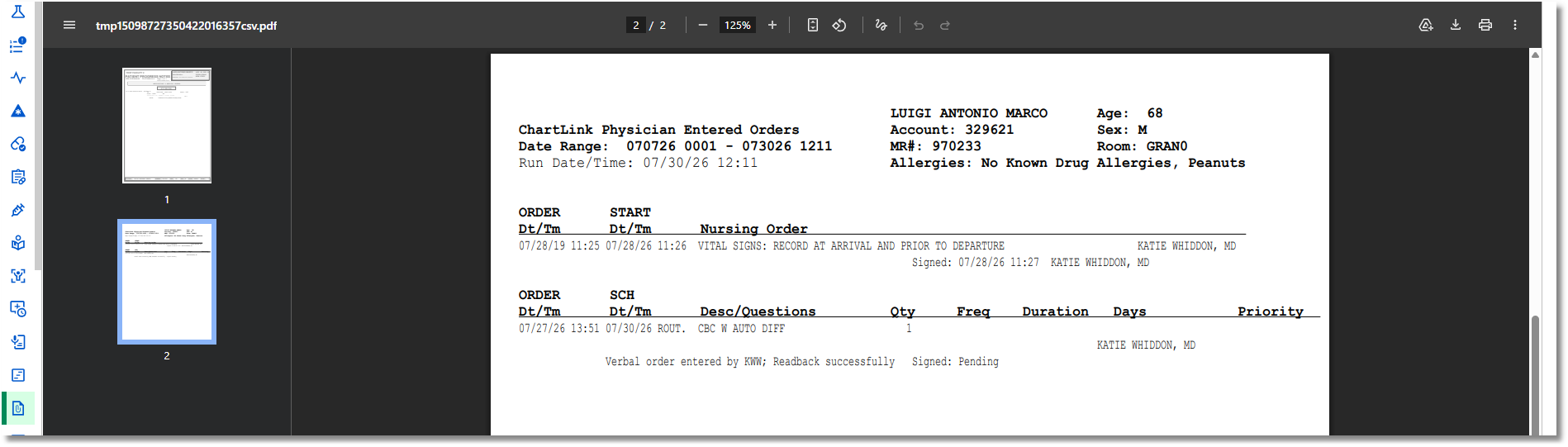
Physician Entered Orders Report